← Back to Apps & Tools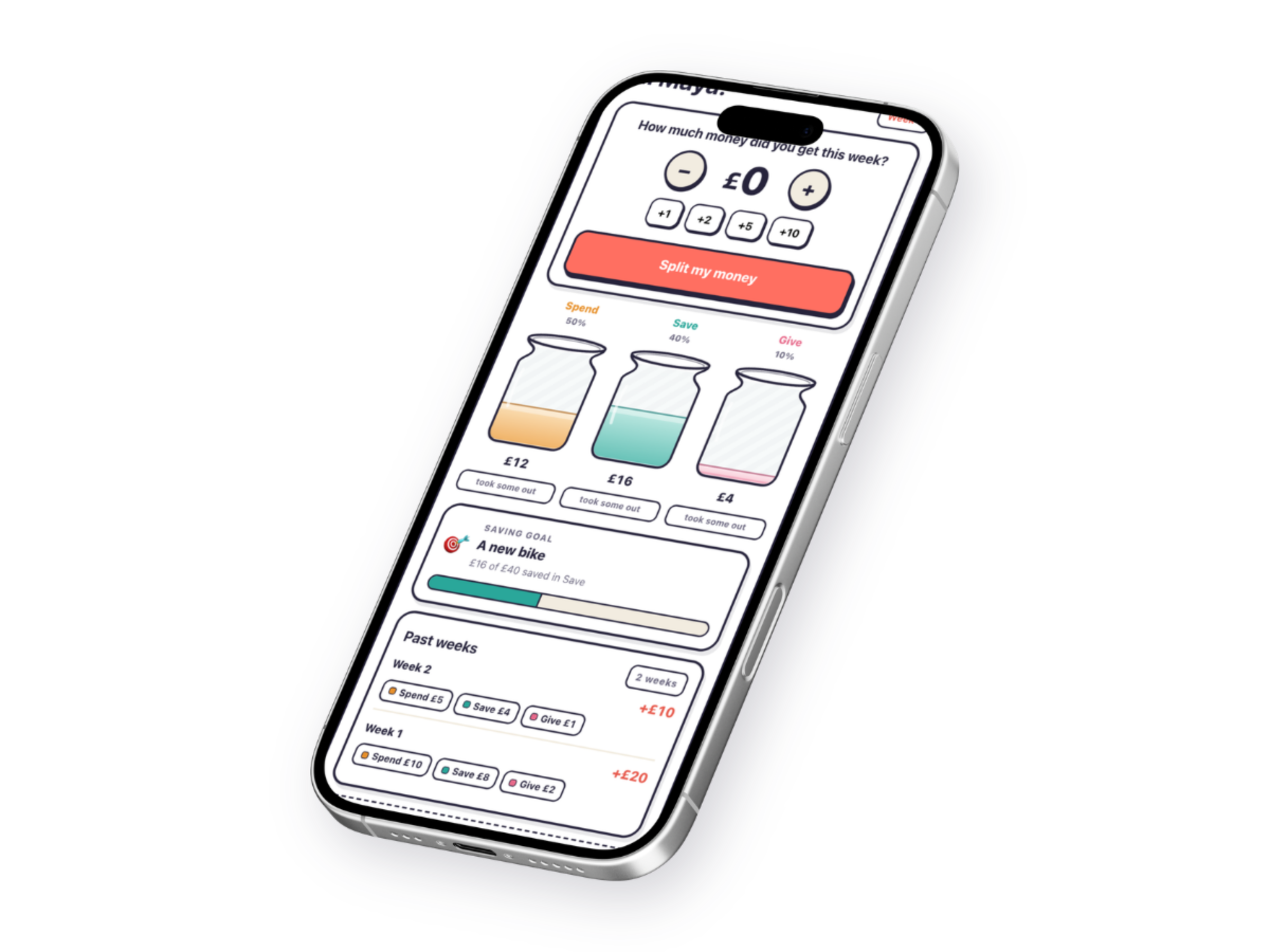 1 / 4
1 / 4
The lessons, made hands-on.
Money Jars (app)
Money Basics: Episode 2
1 / 4How your app data is stored (please read)
- Money Jars is a Progressive Web App. You will not find it in an app store; you install it by opening the link and choosing “Add to Home Screen” in your browser.
- It saves everything (your children’s names, plans, jars, history and goals) only on the one device and browser you set it up on. There is no account, no cloud, and no backup.
- Your saved information stays on the device even after you close the app or restart it, so nothing is lost. A different device or browser, or clearing your browser data or uninstalling, starts fresh, and we cannot recover it.
- Adding it to your home screen gives the most durable storage. If you only ever open it in the browser without adding it, some browsers (notably iPhone and iPad Safari) may clear its data after about a week of no use. Once it is on your home screen, that does not apply.
- This is a one-off purchase of a simple, self-contained tool, not a synced service.
By buying this product, you confirm that you understand and accept this.
Digital download
£6.99
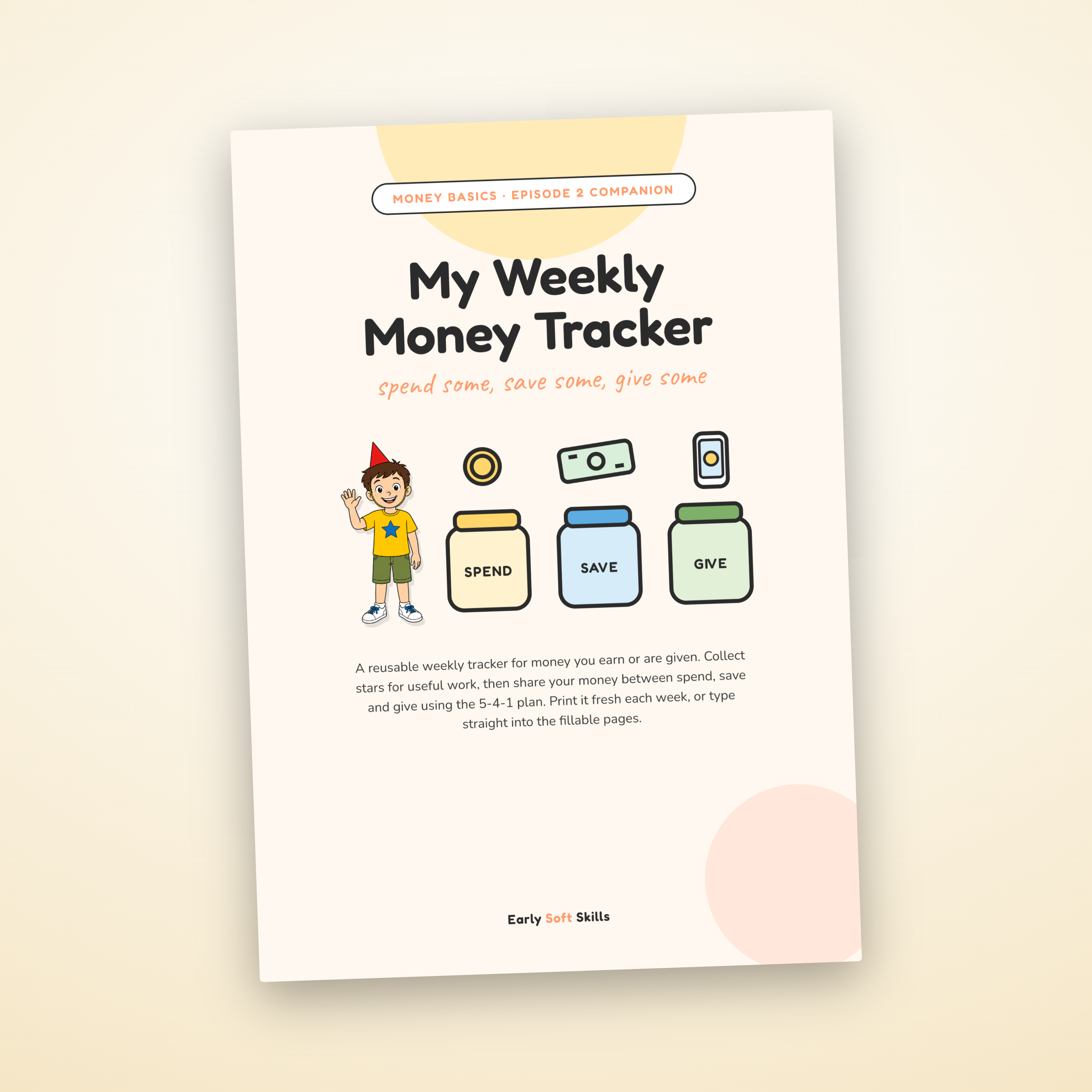
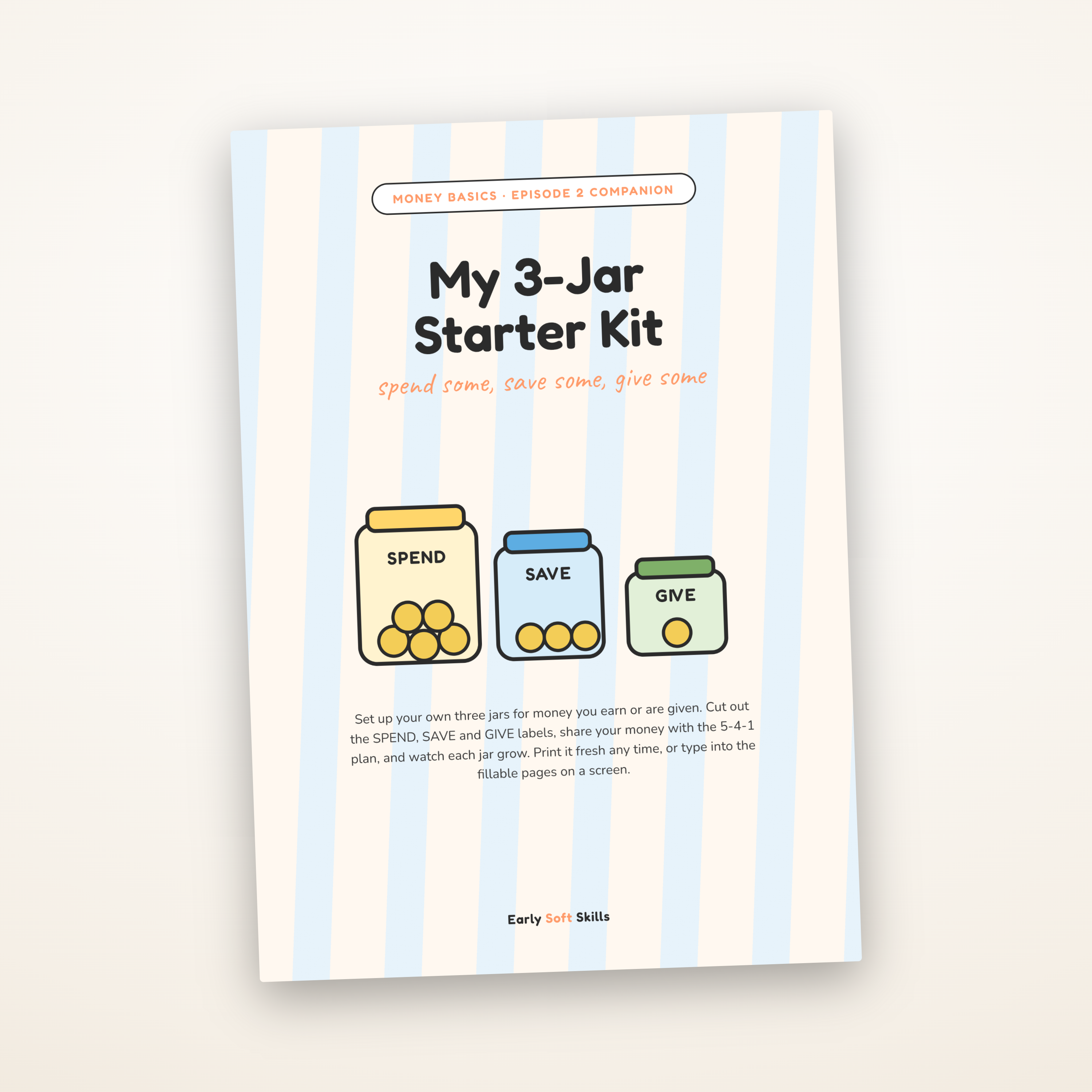
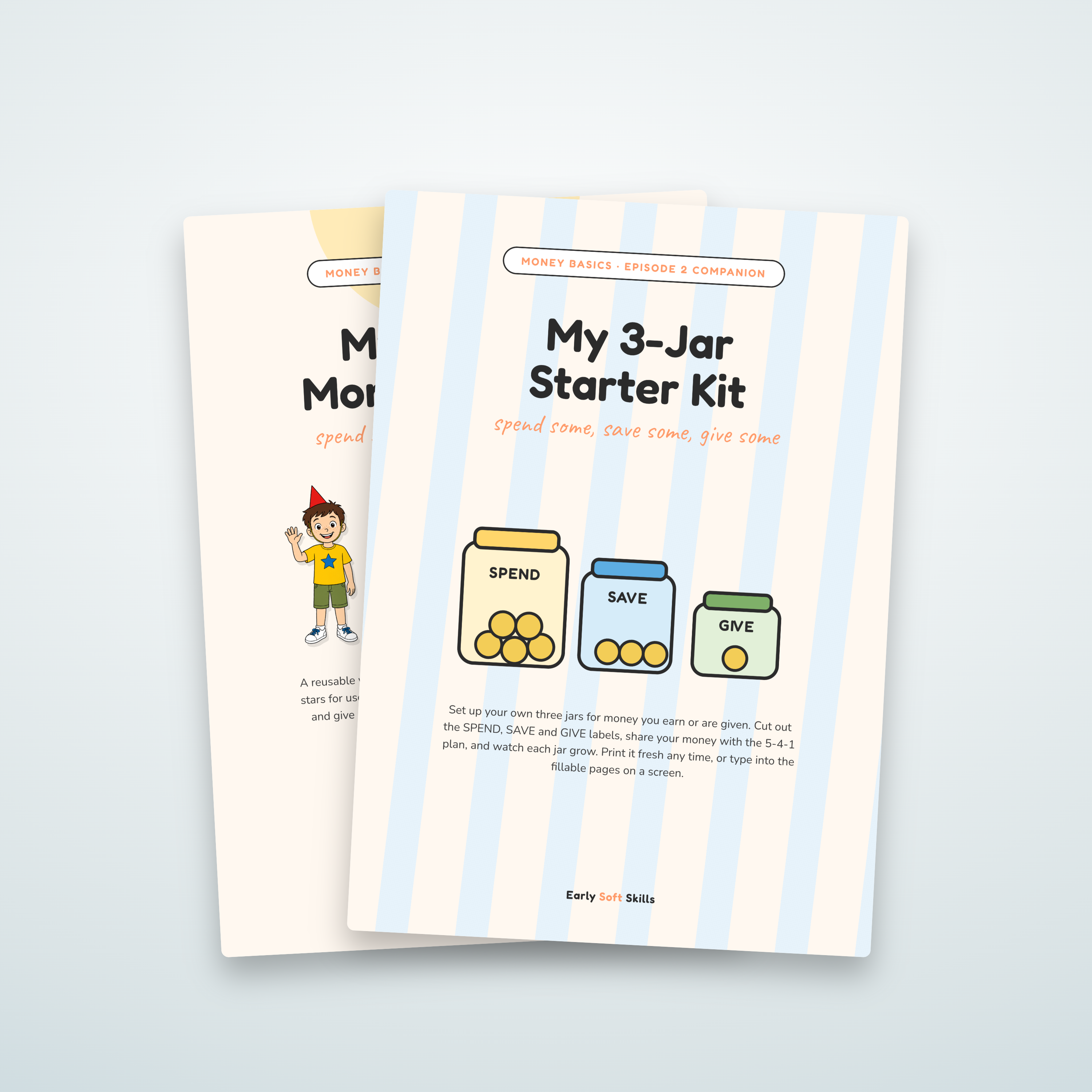
A weekly money tracker your child runs with a grown-up, built around the FIVE-FOUR-ONE plan. It does the split maths and shows each jar filling up, week by week.
- Does the split for your child in a tap: each week's money (earned, given or gifted) shared across Spend, Save & Give, with the maths done for them
- Your child can finally see their money, even when it lives in the bank: the jars show what belongs to spending, saving and giving at a glance
- Set a saving goal together and watch the saving jar fill until they reach it
- No more re-counting a coin box or guessing where it went: a tidy, running record of what has been saved, spent and given
- Keeps a full year of weekly history (up to 52 weeks), so they can look back on how far they have come
- Not fixed to FIVE-FOUR-ONE: a grown-up can adjust the shares and add up to three more jars (like an Invest jar), up to six in total
- Add as many children as you like, each with their own plan, goal and history
- Works alongside a real money jar or a bank account: it keeps the numbers straight while the money stays where it already is
- A Progressive Web App: installs to the home screen, works offline, no app store, no account, no data collected
- One-off purchase; works on phones and tablets
1
Reviews
Be the first to review this
Leave a review
Used this with your family? A few words helps other parents and teachers decide.
Leave a review
Used this with your family? A few words helps other parents and teachers decide.
You may also like
Complete the episode pack
More resources made for the same video, so the learning carries on after the credits roll.